

From 3D Scan to Stakes in the Ground: A Practical Workflow for Contractors
Less time pulling measuring tapes, setting up lasers and running string lines. More time building the project.
What if you could scan a property, use AI to help prepare a design, and take that design into the field for layout with professional GNSS equipment?
That’s the workflow I demonstrate in my latest video: bringing 3D scanning, AI-assisted design and Emlid GNSS together for everyday excavation, landscaping and pool contractors.
Start with the actual property
Every project starts with understanding what’s already there.
For this demonstration, we used a Dot3D scan of the property as the foundation for a pool and landscape layout. The scan captures the visible site in three dimensions, giving us existing conditions to work from.
Survey control connects that scan to the coordinate system used for field layout. That connection matters: the design needs to line up with the actual property when you take it outside.
Turn the scan into a working design
With the site information available, we used ChatGPT to help develop the demonstration design and prepare digital files for the field.
The project included a pool layout, garden areas and separate surfaces for different stages of construction:
Bottom of excavation: the target surface for digging.
Top of gravel: the target elevation for the gravel layer.
Finished grade: the final surface elevations and intended slopes.
These layers give the crew a reference for each stage of the work. They also provide a basis for calculating excavation and material quantities.
AI helps prepare and revise the files, while the contractor supplies the project requirements and checks the results. Site constraints, drainage, dimensions and any required engineering still need to be confirmed before construction.
Take the design into the field
Once prepared, the design files are loaded into Emlid Flow.
Using an Emlid GNSS receiver with RTK corrections, you can navigate to layout points and compare your measured position and elevation against the selected design surface.
Walk to a location, select the surface you’re working toward, and check the cut or fill displayed on your phone.
Need to check excavation depth? Use the bottom-of-excavation surface.
Ready to check gravel? Switch to the top-of-gravel surface.
Finishing the site? Check against finished grade.
You’re carrying the digital design with you as you move around the project.
Why this matters to everyday contractors
I’ve managed earthworks on billion-dollar projects, where digital models and survey equipment are part of daily construction.
I want to make those workflows practical for smaller crews, too.
An excavation contractor checking depth. A pool builder laying out a footprint. A landscaper setting garden locations and checking grades. These are everyday tasks where having the design available in the field can reduce repeated measurements and help catch mistakes earlier.
The equipment is only part of it. Knowing how to establish control, prepare files and check your work is what makes the workflow useful.
Watch it, then put it to work
For a deeper look, the full 45-minute “Construction Surveying for Dummies” walkthrough is also available on my YouTube channel.
Brogan Group supplies Emlid GNSS equipment and helps crews learn how to use it—from initial setup to field layout.
Jeremy Brogan | Brogan Group
Mentor, Empower, Elevate.
Questions About the Scan-to-Stakes Workflow
What does each part of the system do?
Dot3D and the compatible scanning device capture site geometry. The Emlid receiver provides GNSS positioning for georeferencing and field layout. Design software and the project requirements turn existing conditions into the proposed work. Each part has a different job.
Can I use any phone for the scanning part?
Check the exact device before buying. Dot3D's iOS scanning workflow uses a LiDAR-equipped compatible iPhone or iPad. Running Emlid Flow on a phone does not mean that phone has the depth sensor required for this scanning workflow.
How does the design line up with the real property?
Use consistent survey control, a confirmed coordinate system and the correct horizontal and vertical units. Verify the scan and the imported layout data against known site control. A file conversion by itself does not establish the correct real-world position.
Which files should I prepare for field work?
Choose files for the actual task. CSV can carry point coordinates, DXF can carry supported drawing geometry, and LandXML can carry supported surface data. Confirm the export format, coordinate system, units and software features for your specific workflow before heading to site.
Which kit should I look at?
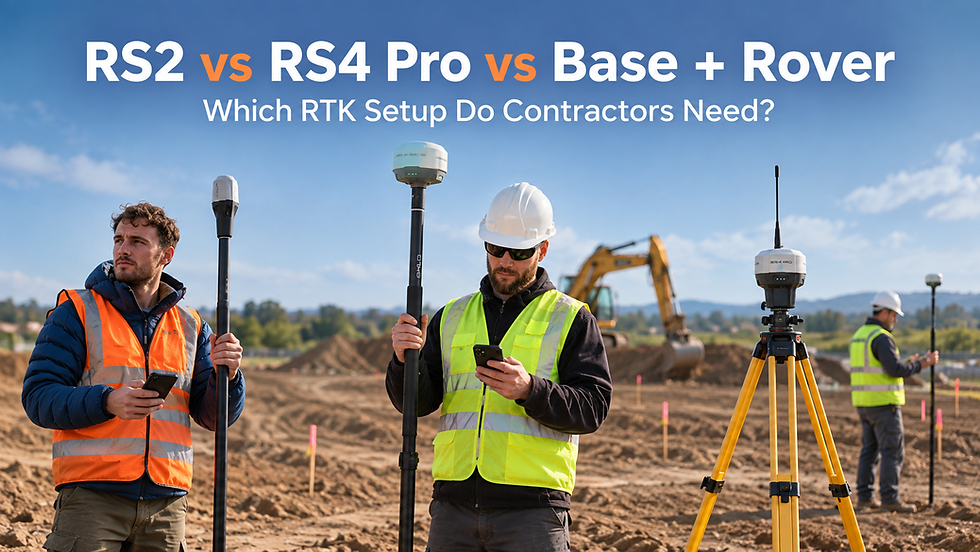
For the combined Dot3D scanning and GNSS layout workflow, start with the RX2 Ultimate Scan + Layout Kit. For point collection and layout without scanning, compare the RX2 Basic, RS4 Pro rover and local base-and-rover packages. Correction coverage and the jobs you do determine the best fit.
Does the kit include unlimited project setup?
No. The Ultimate Kit includes one hour of live remote training and implementation. Additional training and project-specific workflow assistance can be arranged separately. Bring the project files and your intended outcome so we can scope the support.
Where does Brogan Group support contractors?
Brogan Group supports contractors in Canada and the United States, including live remote equipment training. Our Canadian location is 298 Rancher Road, Ardrossan, Alberta, Canada. Our US location is 6799 16th Terrace North, Apt 219, Saint Petersburg, Florida 33710, USA. Contact us to discuss your jobsite, equipment and training needs.
Equipment, Training and Next Steps
Questions? Call +1 780-502-9049 or email info@brogangroup.ca.


Comments